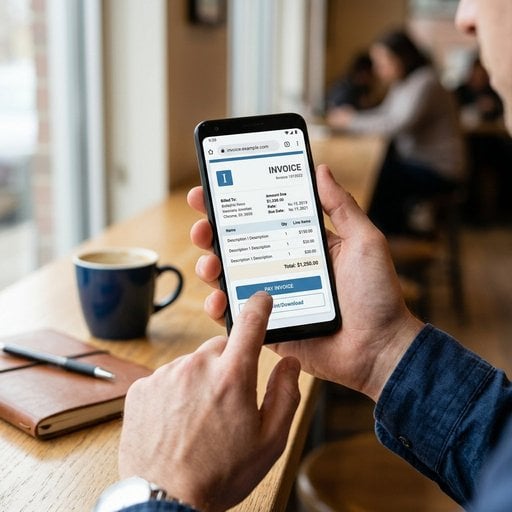
The ability to use a mobile invoicing app - or skip the app entirely - has changed how freelancers and small business owners get paid. Whether you just wrapped up a client meeting, finished a job on-site, or you're sitting in a coffee shop between calls, you no longer need to wait until you're back at your desk to send a professional invoice. In this guide, we walk through exactly how to bill clients from your phone, what tools actually work without a download, and how to avoid the common mistakes that delay payment. You'll also see a real example of how this plays out in practice, so you can follow the same steps today.
Content Table
Key Takeaways:
- You can send an invoice from your phone free using browser-based tools - no app store required.
- On-the-go billing reduces payment delays because you invoice immediately after delivering work.
- A few setup steps (saved client details, a template, your payment info) make smartphone invoicing fast and repeatable.
- Knowing your local invoice requirements keeps you compliant even when billing from a mobile device.
Why Mobile Invoicing Matters in 2026
Late invoices are one of the top reasons freelancers wait weeks to get paid. According to research published by the Federal Reserve's Small Business Credit Survey, cash flow problems are the most common financial challenge for small businesses - and delayed invoicing is a major driver. When you finish a project at a client's office on a Tuesday afternoon and don't send the invoice until Friday, you've already lost three days of payment lead time.
Smartphone invoicing solves this by collapsing the gap between "work done" and "invoice sent." The moment you finish a job, you can pull out your phone, fill in the details, and send a professional invoice before you even leave the parking lot. That immediacy signals professionalism and keeps your cash flow moving.
So what is mobile invoicing, exactly? It is simply creating and sending a complete, professional invoice from your phone or tablet instead of waiting until you are back at a desktop.
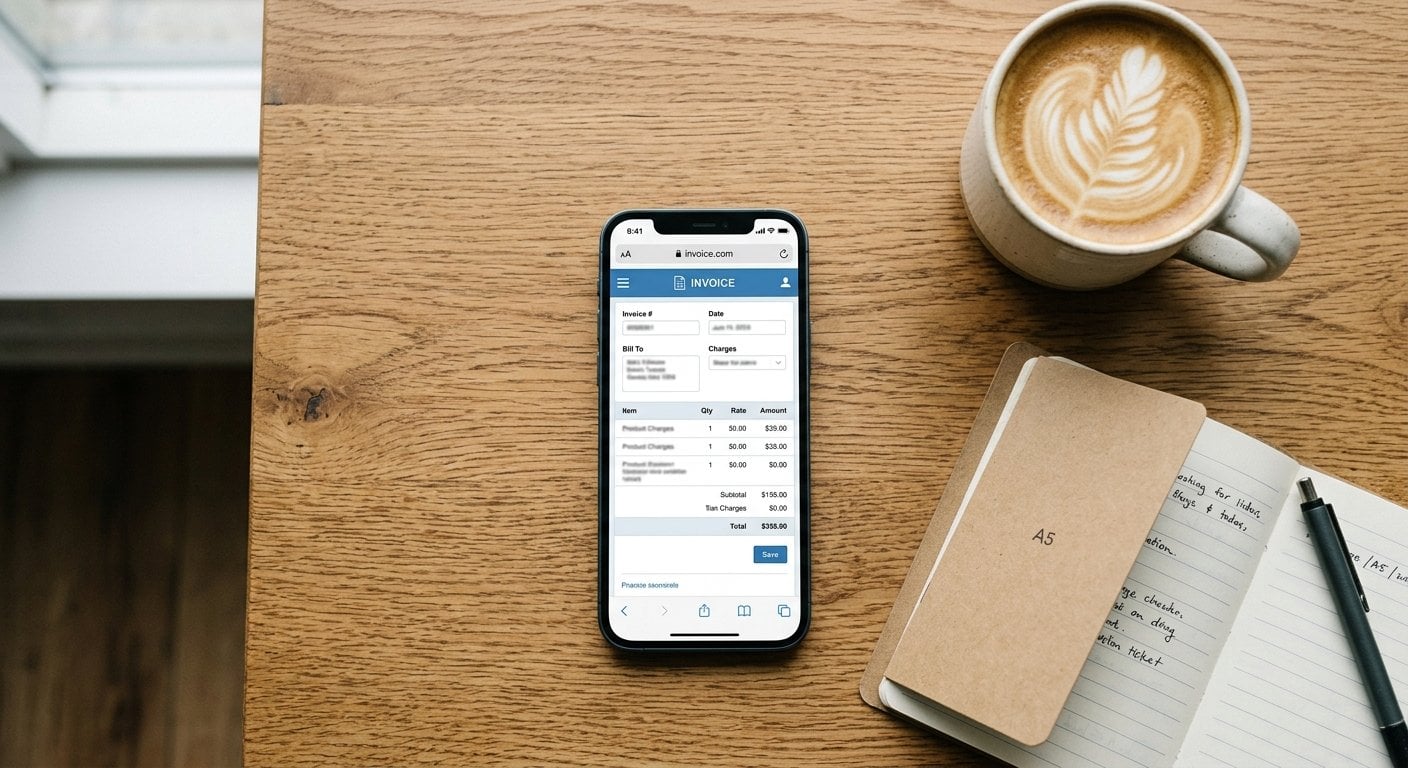
What You Actually Need to Invoice From Your Phone
Before you send your first invoice from a mobile device, gather the following. This is the minimum viable setup for clean, compliant on-the-go billing:
- Your business details: Legal name or business name, address, and VAT/tax number if applicable. Check the invoice requirements for your country to confirm what's mandatory.
- Client details: Name, billing address, and email. Save these somewhere accessible on your phone.
- Service description: A short, clear line item that explains what was delivered.
- Payment terms: Net 7, Net 14, or Net 30 - decide before you start invoicing so you're consistent.
- Bank or payment details: Your IBAN, PayPal, or preferred payment method so the client can act immediately.
That's it. You don't need a dedicated native app to get started. A responsive web-based invoicing tool handles the rest.
Step-by-Step: A Real Example of On-the-Go Billing
Here's a concrete scenario. Sara is a freelance UX designer. She finishes a two-day workshop with a client in Berlin on a Thursday afternoon. She wants to send the invoice before she boards her train home.
- Open the invoicing tool in her phone's browser. No app download needed - she goes directly to the web platform she already uses.
- Select or create the client. Because she saved the client's details after their first project together, the name, address, and VAT number auto-fill in seconds.
- Add the line item. "UX Workshop Facilitation - 2 days" with her day rate. The tool calculates the subtotal and adds VAT automatically based on her settings.
- Set the due date. She uses Net 14, so the due date is two weeks from today.
- Preview and send. She reviews the PDF preview on her phone screen, confirms the bank details are correct, and hits send. The client receives a professional PDF invoice by email within seconds.
Total time: under four minutes. The client replies the same evening to confirm receipt. Sara gets paid the following week.
This is what effective smartphone invoicing looks like in practice. No laptop, no waiting, no friction.
No App Download Needed - Browser-Based Smartphone Invoicing
Many people assume they need to install a dedicated app to invoice from a phone. That's no longer true. Modern web-based invoicing platforms are fully responsive, meaning they work just as well in a mobile browser as they do on a desktop. You get the same features - client management, line items, tax calculation, PDF generation, and email delivery - without taking up storage on your device.
This matters for a few practical reasons:
- You don't need to manage app updates or worry about compatibility with your iOS or Android version.
- Your data is stored in the cloud, so switching between your phone and laptop is seamless.
- Browser-based tools often let you send invoice from phone free on a basic plan, which is enough for most freelancers starting out.
- If you want to know how to bill clients from iPhone specifically, the answer is the same: open Safari or Chrome, log in, and invoice. No App Store required.
For freelancers who want to understand what a solid invoice structure looks like before building their mobile workflow, the Freelancer's Guide to Professional Invoicing is a useful starting point. And if you want to customize the look of your invoices, check out the guide to free invoice templates that convert.
Best Practices for Mobile Invoicing
Getting the mechanics right is one thing. Building habits that make smartphone invoicing reliable and professional is another. Here are the practices that actually make a difference:
Consistent mobile invoice handling, from how you name and number documents to how you archive them afterwards, is what turns a quick phone workflow into a reliable business process.
Invoice Immediately After Delivery
The single most effective thing you can do is send the invoice the moment work is complete. Memory fades, clients get busy, and the longer you wait, the more likely a dispute or delay becomes. Make "invoice now" part of your project wrap-up checklist.
Use Saved Client Profiles
Re-typing a client's address and VAT number on a small screen is slow and error-prone. Any good invoicing platform lets you save client profiles. Set these up once on your desktop, and they'll be ready for you every time you invoice from your phone.
Keep Line Item Descriptions Clear and Specific
Vague descriptions like "Services rendered" cause confusion and slow down approval. Write something like "Website copywriting - 3 pages, delivered October 10." This reduces back-and-forth and speeds up payment.
Double-Check Tax Settings Before You Send
Tax rules vary by country and client type. If you're invoicing a business in another EU country, for example, the VAT rules are different from a domestic invoice. Use a VAT checker tool to confirm the client's VAT status before applying or removing tax.
Set a Consistent Invoice Numbering System
Even when billing on the go, your invoice numbers need to be sequential and unique. Most invoicing tools handle this automatically, but verify the setting once so you don't end up with duplicates that confuse your accounting.
Enable Payment Links in Your Invoices
If your invoicing tool supports it, include a direct payment link in the invoice email. Clients who can pay in one click pay faster. This is especially valuable for small project amounts where the friction of a bank transfer can cause delays.
Save the PDF Before You Send
Always keep a copy of every invoice you send, including mobile invoices you create on the go. Cloud-based tools usually archive these automatically, but verify this is enabled. You'll need these records for tax purposes and in case of any payment disputes.
Compliance note: Invoice requirements differ by country. Some jurisdictions require specific fields like a tax registration number, issue date, or sequential invoice number. Before you standardize your mobile invoicing workflow, review the invoice requirements for your region to make sure your invoices are legally valid.
Choosing the Best Mobile Invoice App for Freelancers
When evaluating tools for mobile invoicing, the label "best mobile invoice app freelancer" gets thrown around a lot. But what matters in practice comes down to a short list of criteria:
| Feature | Why It Matters on Mobile |
|---|---|
| Responsive design | If the interface isn't built for small screens, you'll make errors and waste time. |
| Client profiles | Saves you from typing addresses and tax numbers on a touchscreen keyboard. |
| PDF generation and email delivery | The invoice needs to arrive as a professional document, not a plain-text message. |
| Tax calculation | Automatic VAT or sales tax prevents errors when you're working quickly. |
| Free tier available | For freelancers with low invoice volume, a free plan keeps costs down while you test the workflow. |
The good news is that browser-based platforms that meet all of these criteria exist today and are accessible directly from your phone. No download, no setup friction, and no lock-in to a single operating system. Whether you're on Android or trying to figure out how to bill clients from iPhone, a good web-based tool works the same way on both.
Conclusion
Invoicing from your phone is no longer a workaround - it's a legitimate, professional workflow that saves time and gets you paid faster. The key is having the right setup: saved client details, a clear template, correct tax settings, and a tool that works well on a small screen without requiring an app download. Start with one client, send your first mobile invoice today, and build the habit from there. The faster you invoice, the faster you get paid - and that's true whether you're in a client's office, on a train, or between jobs on a busy afternoon.

Invoice Clients From Your Phone - No Download Needed
Create and send professional invoices in minutes directly from your browser. Works on any smartphone, includes automatic tax calculation, PDF delivery, and saved client profiles - free to get started.
Try Our Free Invoicing Tool →
Yes. Browser-based invoicing platforms are fully responsive and work in any mobile browser - Safari, Chrome, Firefox. You log in, create your invoice, and send the PDF by email directly from your phone. No app store visit required, and your data syncs across all your devices automatically.
Most invoicing platforms offer a free tier that covers basic needs - creating invoices, sending PDFs by email, and saving client details. If you send a limited number of invoices per month, a free plan is usually enough. Paid plans typically add features like recurring invoices, payment reminders, and advanced reporting.
Open Safari or Chrome on your iPhone, go to your invoicing platform's website, and log in. The interface adapts to your screen size. Fill in client details, add line items, set the due date, and tap send. The client receives a professional PDF invoice by email. No App Store download is needed for browser-based tools.
Requirements vary by country, but most jurisdictions require your business name and address, the client's name and address, a unique invoice number, issue date, due date, a description of services, the amount, and applicable tax details. Check your local invoice requirements before standardizing your mobile invoicing workflow to stay compliant.
Start by signing up for a browser-based invoicing tool on your desktop. Add your business details, create at least one client profile, and configure your tax settings. After that, everything is ready on your phone. Your first mobile invoice from a real client should take under five minutes once the initial setup is complete.