Every year, countless freelancers and small business owners watch potential repeat clients slip away, not because of poor work, but because of unprofessional invoices. A crumpled PDF with misaligned text or missing payment details sends the wrong message about your business. The right invoice templates do two critical jobs: they get you paid faster and reinforce your brand with every transaction. Whether you're billing your first client or your hundredth, the design and structure of your invoice matters more than you might think. Ready to upgrade your billing game? Our free invoice generator makes it simple to create polished, professional invoices in minutes.
Key Takeaways:
- Professional invoice design reduces payment delays by up to 30% through clear formatting and visible payment terms
- Every invoice must include seven essential elements to be legally compliant and dispute-proof
- Different industries require different invoice approaches, from minimal developer templates to detailed photographer breakdowns
- Common mistakes like vague line items and missing due dates cost businesses thousands annually
Content Table
What Makes an Invoice Template "Convert"?
In the invoicing context, "conversion" means three things: faster payment, fewer disputes, and repeat business. A professional invoice template achieves all three by removing friction from the payment process.
Consider this real scenario: A graphic designer sends two clients identical $2,500 invoices. Client A receives a clean, branded invoice with clear payment terms and a prominent "Pay Now" button. Client B gets a basic spreadsheet export with no due date visible. Client A pays within 3 days. Client B takes 45 days and requests clarification twice.
The key elements that drive invoice conversion include:
- Clarity: Every line item should be instantly understandable without follow-up questions
- Branding: Consistent colors, logo placement, and typography build trust
- Payment terms visibility: Due dates and accepted payment methods should be impossible to miss
- Professional formatting: Proper alignment, spacing, and hierarchy guide the eye naturally
Following proper invoice design tips isn't about aesthetics alone. It's about psychology. A well-designed invoice signals that you run a legitimate operation, making clients more comfortable paying promptly.
Essential Elements Every Invoice Must Include
Missing even one critical field can delay payment or create legal complications. Every free invoice template worth using must contain these seven elements:
- Invoice number: A unique sequential identifier for tracking and tax purposes
- Issue date and due date: Both dates must be clearly visible, not buried in fine print
- Your business details: Legal name, address, tax ID, and contact information
- Client details: Complete billing name and address for their records
- Itemized services: Detailed breakdown of work performed with quantities and rates
- Tax calculations: VAT, sales tax, or other applicable taxes shown separately
- Payment methods: Bank details, PayPal, or other accepted payment options
What do missing fields actually cost you? Legally, incomplete invoices may not be valid for tax deductions in many jurisdictions. Financially, vague invoices trigger client questions, adding 5-10 days to your average payment time. For detailed requirements in your region, check our guide on invoice requirements.
Invoice Design Tips for 2026
Modern invoice design balances professionalism with readability. Here are the principles that matter most this year:
Typography and Readability
Stick to two fonts maximum: one for headings, one for body text. Sans-serif fonts like Inter, Roboto, or Open Sans work well for digital invoices. Keep body text at 10-12pt minimum, as clients often view invoices on mobile devices.
Strategic Color Use
Use your brand's primary color sparingly, typically for headers, totals, and call-to-action elements. The total amount due should stand out visually. Avoid using more than three colors total.
Whitespace and Layout
Generous margins and spacing make invoices easier to scan. Group related information together: client details in one block, line items in another, payment information in a third.
| Design Element | Minimal Template | Detailed Template | Best For |
|---|---|---|---|
| Color scheme | Black and white with one accent | Full brand palette | Minimal: Legal, finance. Detailed: Creative industries |
| Logo placement | Top left, small | Header banner with tagline | Minimal: B2B services. Detailed: Consumer-facing brands |
| Line item detail | Service name and total only | Hours, rates, descriptions | Minimal: Fixed-price projects. Detailed: Hourly billing |
| Footer content | Payment terms only | Terms, policies, thank you note | Minimal: Repeat clients. Detailed: New client relationships |
When choosing between dark and light templates, consider your industry. Creative agencies and tech startups can experiment with dark backgrounds. Law firms, accountants, and healthcare providers should stick with traditional light templates.
Invoice Templates by Freelancer Type
Different professions have different billing needs. Here's how to customize invoice template designs for your specific work:
Developers and Programmers
A freelance invoice template for developers should accommodate project milestones, hourly rates, and potentially multiple currencies for international clients. Include fields for project names and GitHub repository references if relevant.
Graphic Designers
Design invoices should include revision counts, file delivery formats, and usage rights. Consider adding thumbnail previews of delivered work to help clients match invoices to projects.
Consultants
Consulting invoices often need detailed time tracking, meeting summaries, and expense reimbursements. A clear separation between consulting fees and pass-through costs prevents confusion.
Photographers
Photography invoices require space for session details, image counts, licensing terms, and print/digital delivery specifications. Include separate line items for travel, editing, and rush fees when applicable.
How to Create and Export Your Invoice in Minutes
Using our invoice generator online, you can create invoice free without signing up or installing software. Here's the step-by-step process:
Step 1: Enter Your Business Details
Add your company name, address, and tax identification number. These details save automatically in your browser for future invoices.
Step 2: Add Client Information
Enter your client's billing name and address. For international clients, you can verify their VAT number using our VAT checker tool.
Step 3: List Your Services
Add line items with descriptions, quantities, and unit prices. The tool calculates totals automatically, including tax if you specify a rate.
Step 4: Set Payment Terms
Choose your due date and add payment instructions. Include bank details, PayPal address, or other accepted methods.
Step 5: Export and Send
Download your invoice as a PDF or send it directly via email. The entire process takes under three minutes.
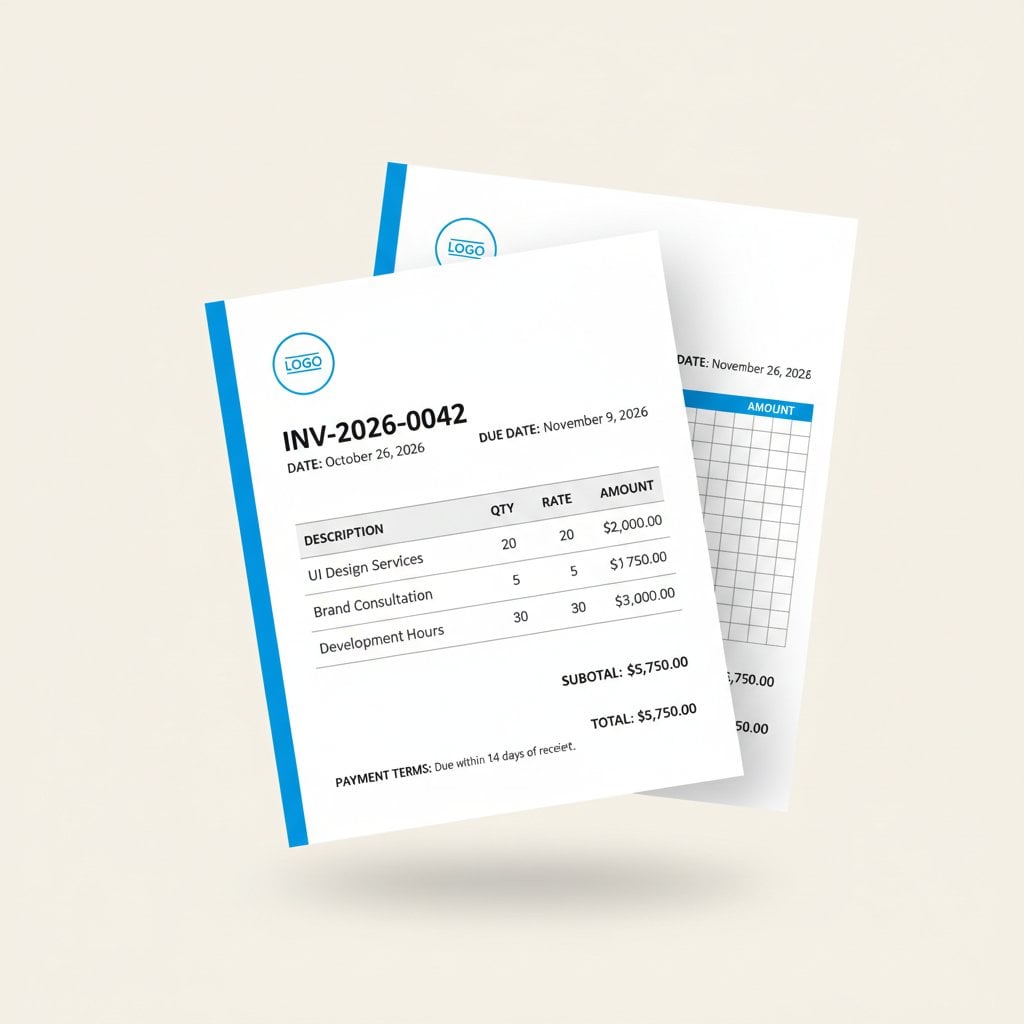
Common Invoice Mistakes to Avoid
Even experienced freelancers make these billing templates errors that cost them money:
- Vague line items: "Consulting services - $5,000" invites questions. Be specific: "Brand strategy workshop (4 hours) + competitive analysis report"
- Missing due dates: "Payment due upon receipt" is meaningless. Use specific dates: "Due by March 15, 2026"
- No late fee policy: Without stated consequences, clients deprioritize your invoice. Add: "2% monthly fee on overdue balances"
- Inconsistent numbering: Gaps or duplicates in invoice numbers create accounting nightmares and raise red flags during audits
- Forgetting tax details: Missing tax IDs or incorrect calculations can invalidate invoices for client deductions
- Poor mobile formatting: Many clients approve invoices on phones. Test your template on mobile before sending
- No payment confirmation: Always include instructions for how clients should notify you when payment is sent
Conclusion
Professional invoices aren't just administrative documents. They're brand touchpoints that influence how quickly you get paid and whether clients return. By applying the design principles and avoiding the common mistakes covered here, you'll create invoices that work harder for your business. The best part? You don't need design skills or expensive software. Our free invoice generator gives you access to professional templates with no sign-up required. Start creating polished, conversion-optimized invoices today, completely free and directly in your browser.
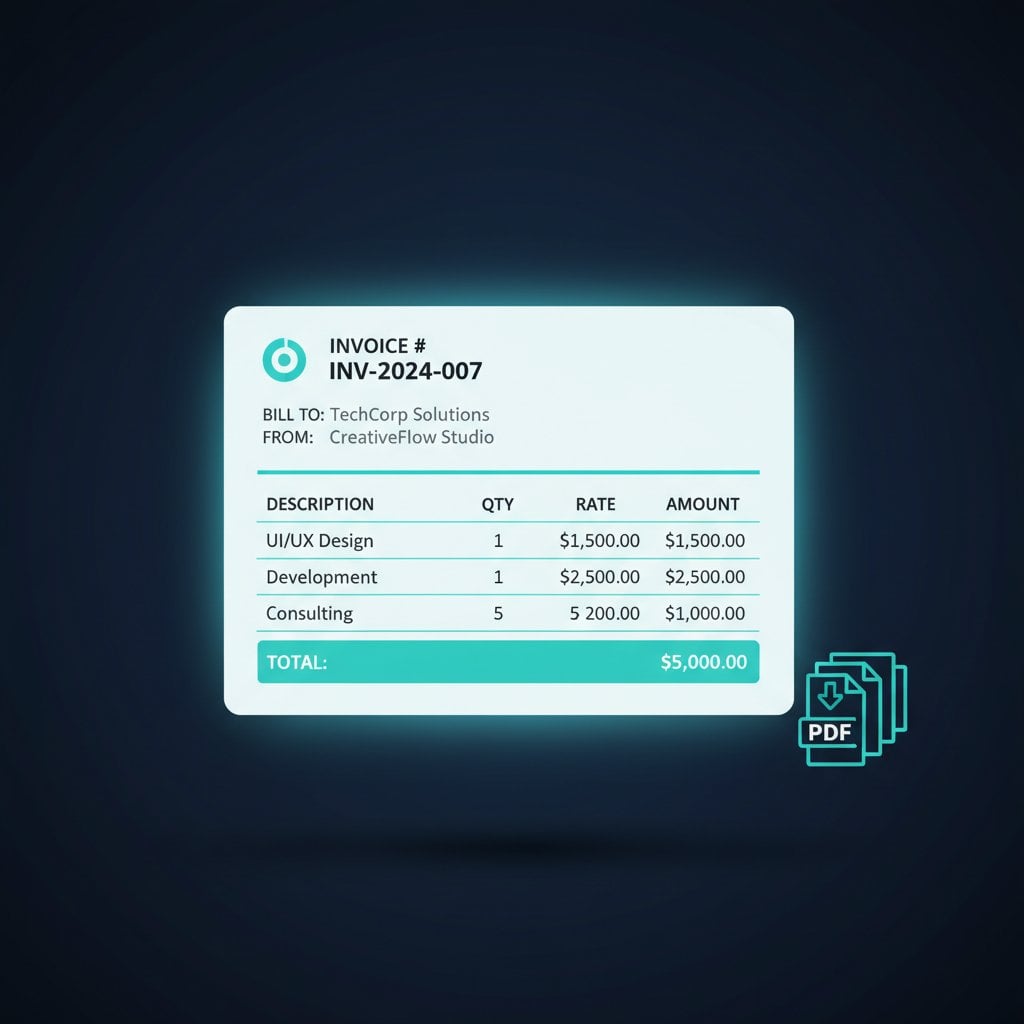
Create Professional Invoices in Under 3 Minutes
No sign-up required. Choose from multiple templates, add your branding, and export instantly as PDF.
Try Our Free Invoice Generator →
Frequently Asked Questions
A professional invoice must include seven essential elements: a unique invoice number, issue and due dates, your complete business details with tax ID, client billing information, itemized services with quantities and rates, applicable tax calculations, and clear payment method instructions including bank details or digital payment options.
Use a browser-based invoice generator that requires no sign-up. Enter your business details, add client information, list your services with prices, set payment terms, and export as PDF. The entire process takes under three minutes with tools designed for freelancers and small businesses.
Invoices with clear visual hierarchy get paid faster. Use bold formatting for the total amount due, make the due date prominent, and include payment instructions near the top. Limit colors to three maximum, use readable fonts at 10-12pt minimum, and ensure the invoice displays correctly on mobile devices.